The sit
Five minutes. One thumb. Oldest first.
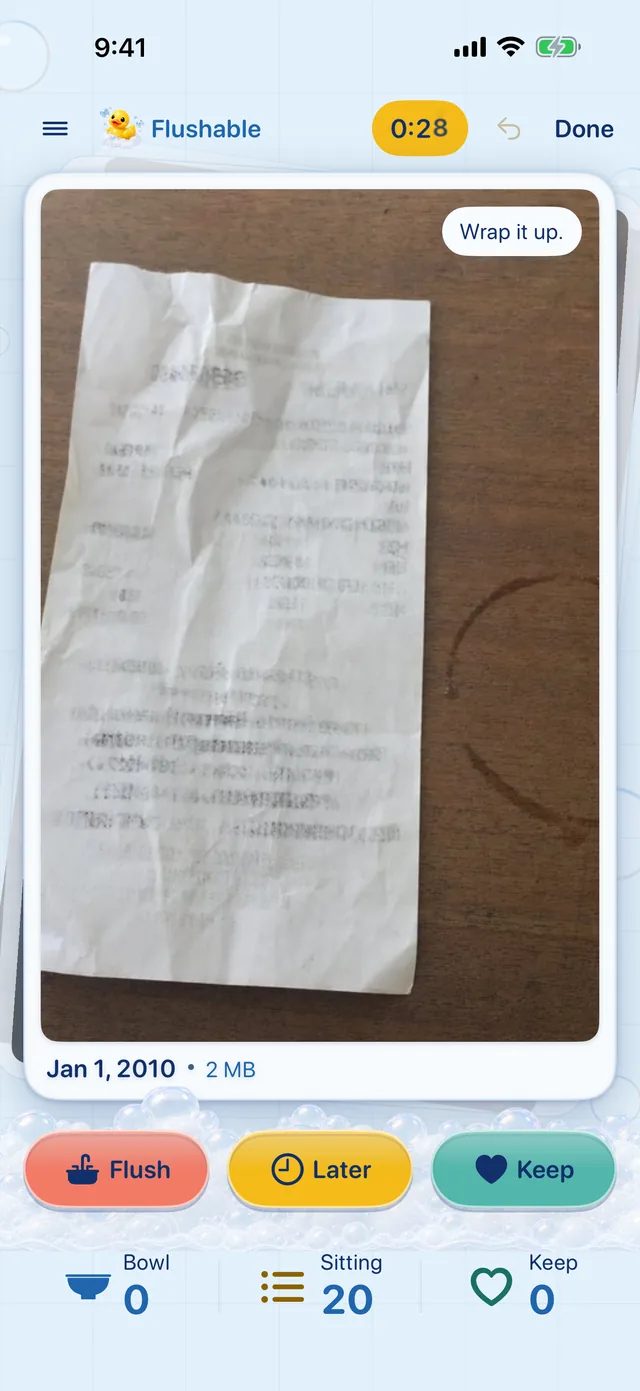
Swipe left to flush, right to keep, down for later. A sit clock ticks in the corner, and when it hits zero we flush you off the bowl, with a recap of the space you freed.
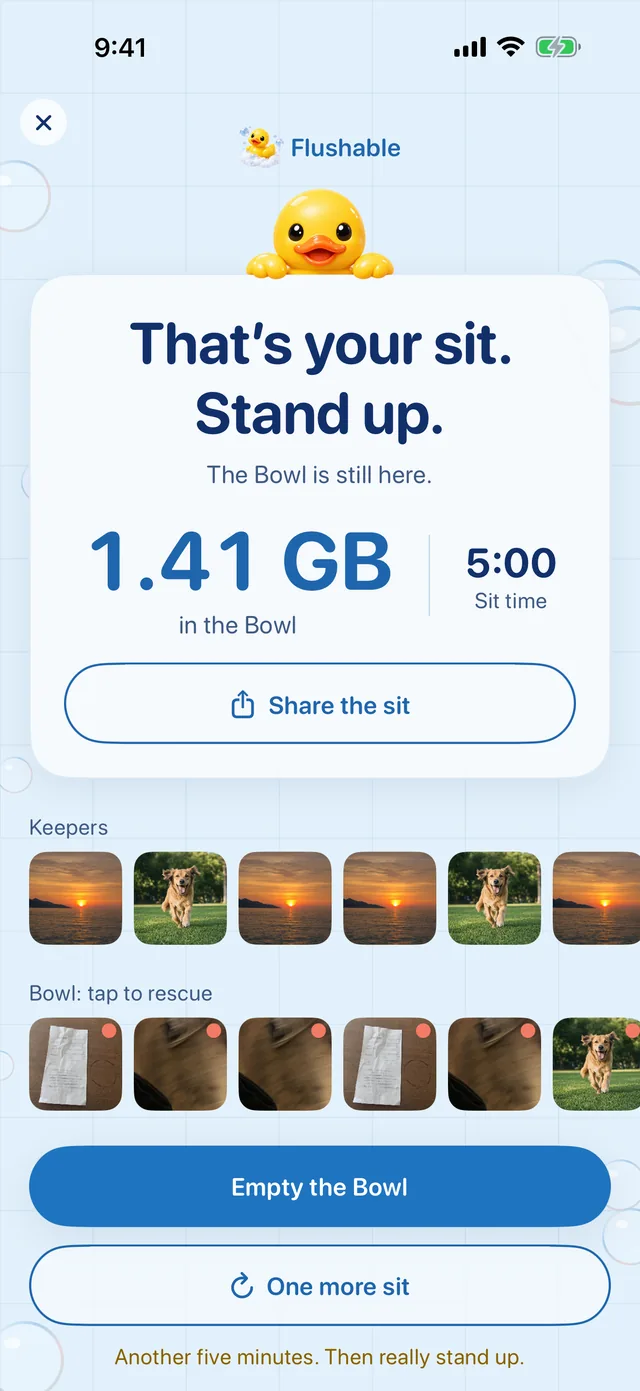

A one-thumb photo cleaner built for a five-minute sit. Oldest photos first, smart on your phone, and nothing is deleted until you say so.
Coming soon to the App Store7 days free, then $9.99 once. No subscription.
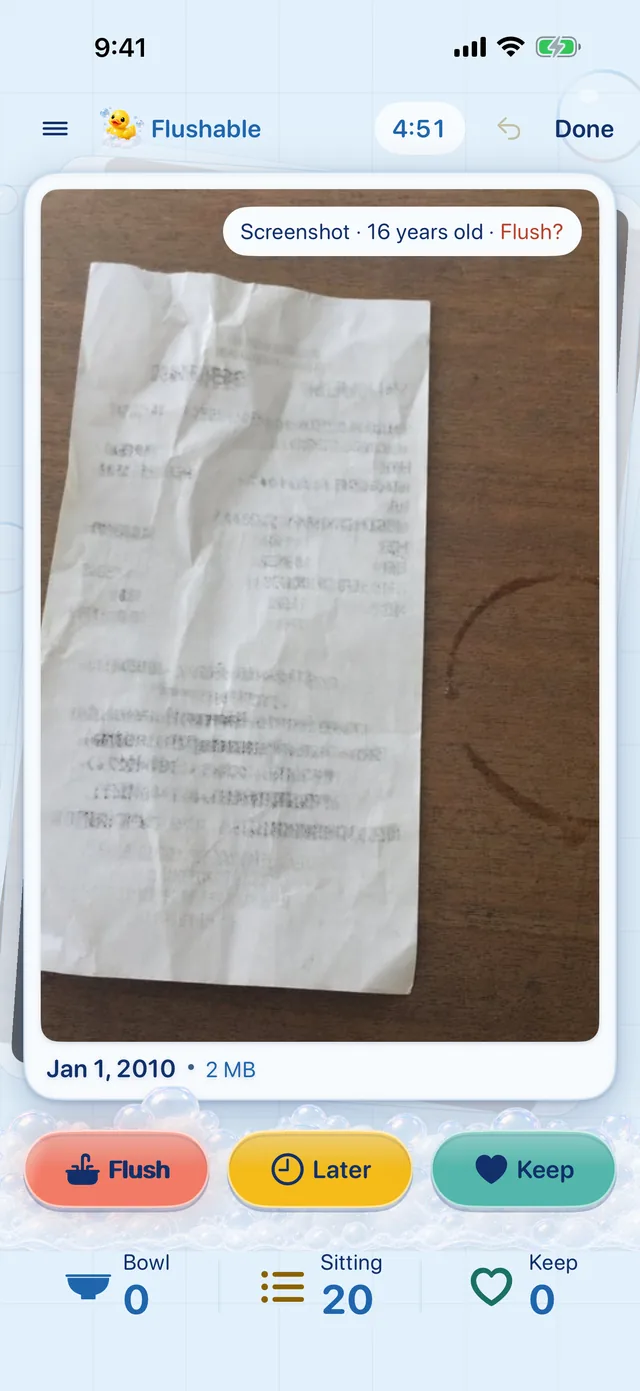

The sit
Swipe left to flush, right to keep, down for later. A sit clock ticks in the corner, and when it hits zero we flush you off the bowl, with a recap of the space you freed.
Smart, on your phone
Flushable uses Apple’s on-device Vision to flag soft focus, near-duplicates and screenshots, and picks the sharpest shot in a burst. Your photos never leave your device. It even works in airplane mode.
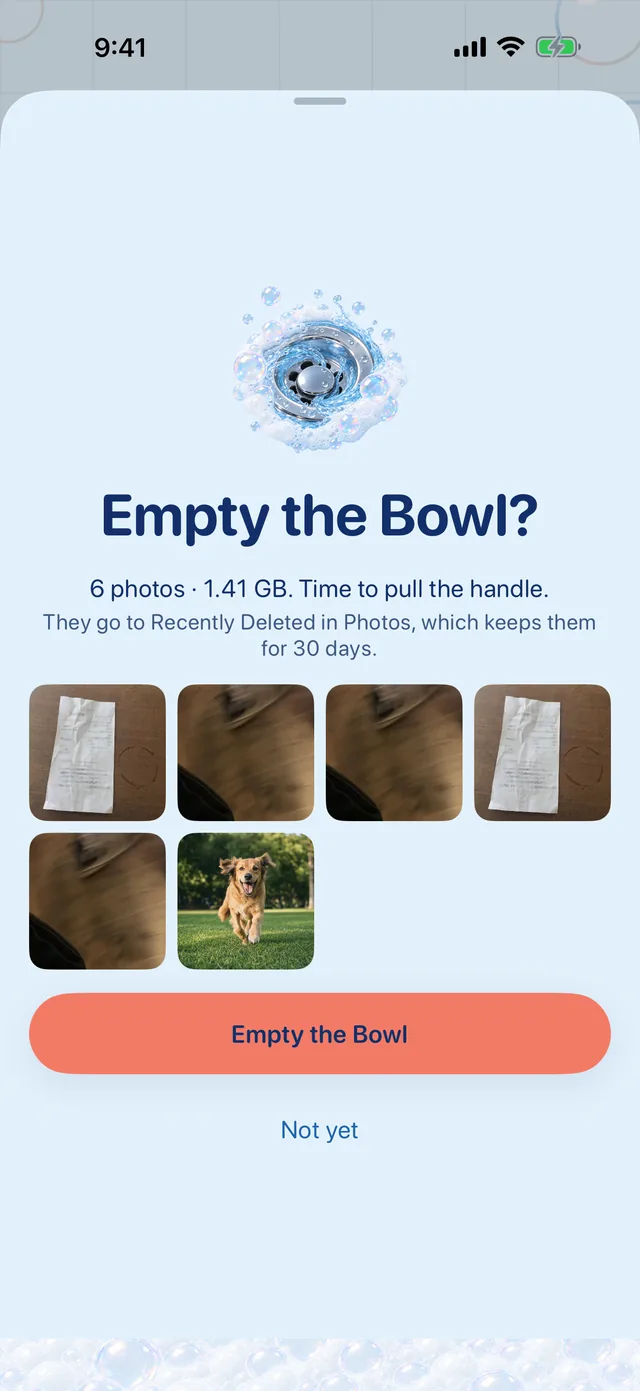
Zero panic
Everything you flush waits in the Bowl, where you can rescue any photo. Empty the Bowl when you’re ready to free space, and Photos still keeps it in Recently Deleted for 30 days.
Works on iPad too
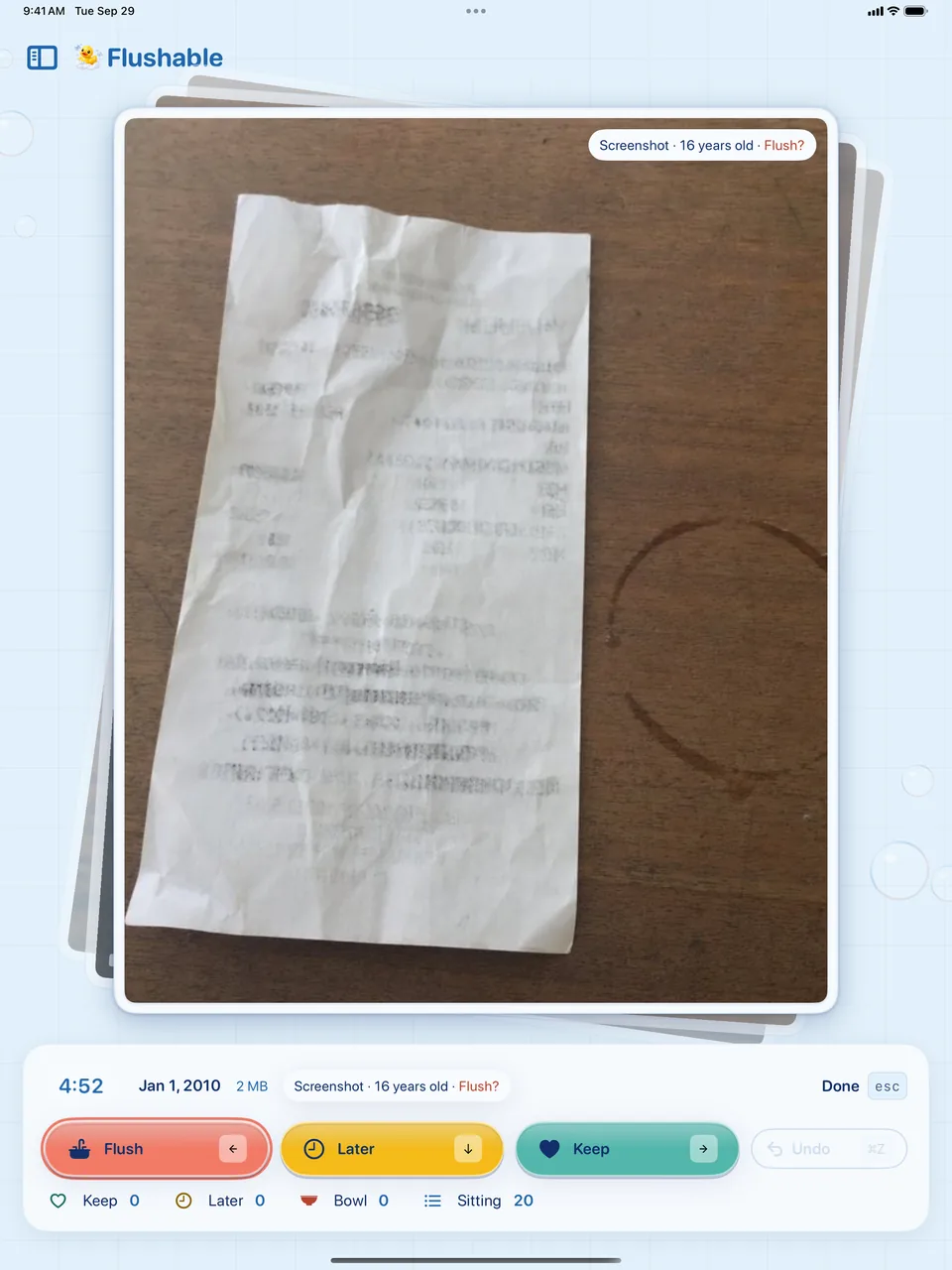
On iPad the photo gets the whole screen, the piles sit in a sidebar, and a keyboard works too: arrow keys to sort, ⌘Z to undo.
No account·No uploads·No analytics·Works in airplane mode

No. Everything happens on your iPhone or iPad. Flushable has no servers and no account, and it collects no data at all. See the privacy policy.
It depends on your library. Old videos, screen recordings and bursts free the most. Flushable shows the size of every photo and the total waiting in the Bowl, so you know before you clean up.
Your free week ends and new sits pause. Unlock Flushable for $9.99 once to keep going. You can still browse your piles and empty the Bowl either way.
No. The free week isn’t a subscription and nothing renews. You’re only charged if you choose to unlock.
Open Photos › Albums › Recently Deleted. Photos keeps emptied items there for 30 days. Before you empty the Bowl, you can rescue any photo right in Flushable.
To move photos you’ve chosen to Recently Deleted, Photos requires write access. Flushable never deletes on its own, only when you tap Empty the Bowl and confirm.